





Original price was: 25999 EGP.24999 EGPCurrent price is: 24999 EGP.

Original price was: 1660 EGP.1499 EGPCurrent price is: 1499 EGP.


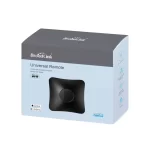
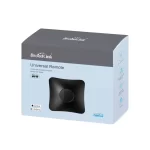
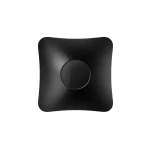
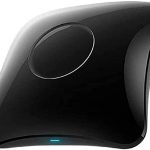
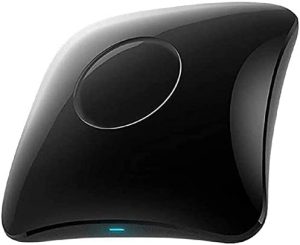
The Broad Link RM4 Universal IR Remote Control is a powerful and efficient smart device designed to centralize
control over multiple infrared (IR) appliances in your home. With its intuitive app interface, extensive device compatibility,
and smart automation features, the RM4 simplifies managing entertainment systems, air conditioners,
and other IR-controlled devices.
Universal Compatibility: The RM4 supports a wide range of IR-controlled devices such as TVs,
air conditioners, fans, projectors, and more, making it a versatile solution for consolidating multiple remote controls.
Wi-Fi Connectivity: The RM4 connects directly to your 2.4GHz Wi-Fi network, eliminating the need for an additional hub.
Broad Link App Control: Through the app, users can remotely control IR devices, create automation routines,
and set schedules for improved convenience.
Voice Control Support: The RM4 seamlessly integrates with Amazon Alexa, Google Assistant, and Siri Shortcuts,
allowing for hands-free control.
Learning Function: The RM4 features a powerful learning mode that allows users to customize commands
for older or non-standard IR appliances.
Smart Scheduling: Create timers, routines, and automation scenes to improve energy efficiency
and ensure appliances operate at desired times.
Compact and Modern Design: Its sleek design allows it to blend seamlessly with modern home interiors.
The is a powerful and cost-effective solution for transforming
your home into a smart, connected environment. By centralizing control over multiple IR devices,
the RM4 simplifies daily routines, enhances convenience, and improves energy efficiency.
the RM4 is an excellent addition to your smart home ecosystem.


Reviews
There are no reviews yet.