





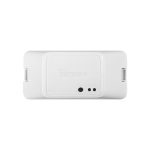


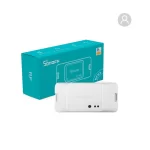

SONOFF RFR3 – WIFI DIY Smart RF
Control Switch
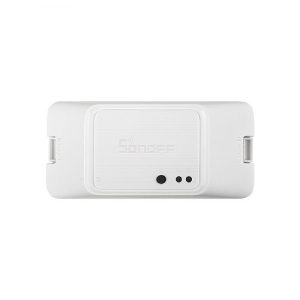
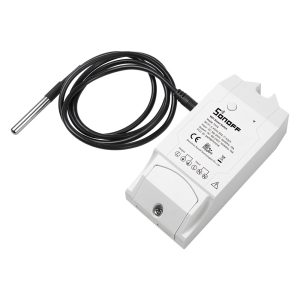
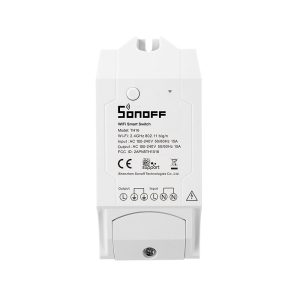
The SONOFF RFR3 is a versatile and powerful smart switch that combines Wi-Fi connectivity
with 433MHz RF control, offering users flexible options for managing their home appliances.
is ideal for smart home enthusiasts looking to automate their devices effortlessly. Its compatibility
with popular platforms like Amazon Alexa, Google Assistant, and Home Assistant makes
it an attractive solution for modern homes.
Key Features
enabling users to operate connected devices via smartphone apps or RF remote controls.
Remote Control via App: The switch connects to the app, giving users the ability
to manage appliances remotely from their smartphone.
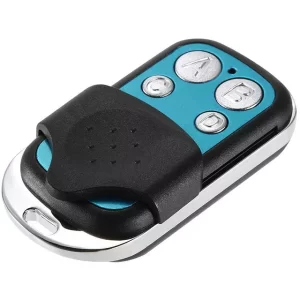
RF Remote Compatibility: Supports 433MHz RF remotes for quick control without internet access,
ideal for elderly users or situations where internet
Voice Control Integration: The SONOFF RFR3 is compatible with Amazon Alexa and Google Assistant,
allowing users to control their appliances using voice commands.
DIY Mode for Custom Integrations: The RFR3 supports DIY mode, enabling integration
with platforms like Home Assistant via MQTT for custom automation solutions.
Timer and Scheduling Functions: Users can set countdown timers, scheduled operations,
and automated loops to streamline daily routines.
flame-retardant materials, and overload protection for enhanced safety.
Common Use Cases
- Lighting Automation: Control indoor or outdoor lighting remotely or with an RF remote for added convenience.
- Garage Door Automation: Combine the RFR3 with an RF remote for effortless control of garage doors or motorized gates.
- Fan and Heater Control: Use the app to schedule operation times for improved energy efficiency.
- Security Integration: Pair with motion sensors or alarm systems for automated security responses.
- Home Entertainment Setup: Automate power to TVs, sound systems, or gaming consoles
- for streamlined convenience.
Installation and Setup
- Wiring the Device: Follow the provided wiring diagram to securely connect
- the SONOFF RFR3 to your desired appliance.
- Download the eWeLink App: Install the eWeLink app from Google Play or the Apple App Store and create an account.
- Pair with Wi-Fi: Follow the in-app instructions to connect the switch to your home Wi-Fi network.
- RF Remote Pairing: To add RF control, switch the RFR3 into pairing mode and press
- the desired button on the RF remote to sync.
- Create Automation Routines: Set schedules, timers, or smart scenes using the app for
Tips for Optimal Performance
- Ensure the switch is within range of your Wi-Fi router for stable connectivity.
- For better RF signal reception, position the RFR3 in a location with minimal
- Regularly update the eWeLink app and firmware to ensure compatibility with new features and devices.
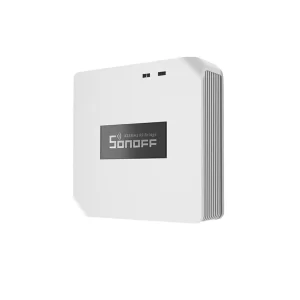
- Consider pairing with an RF Bridge to expand RF control options throughout your home.





Reviews
There are no reviews yet.