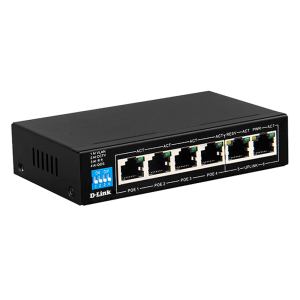
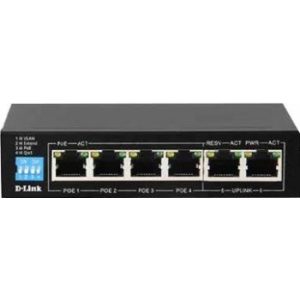
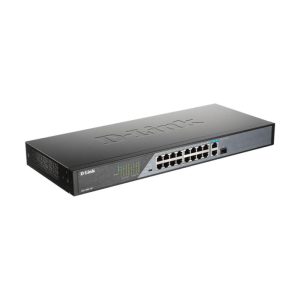
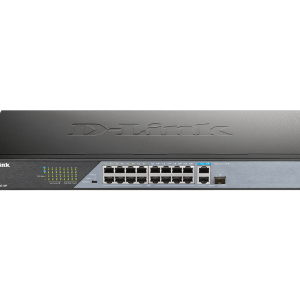
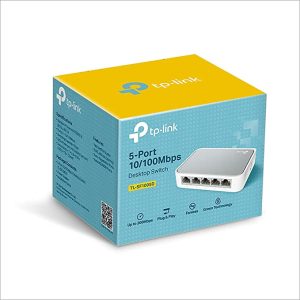
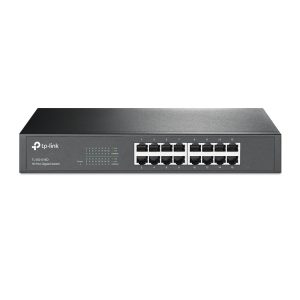
Genata Switch 8GE(PoE)+2GE(UP-LINK)+2SFP
AI Gigabit PoE Switch

The Genata Switch 8GE (PoE) + 2GE (UP-LINK) + 2SFP is a high-performance networking device designed
to deliver efficient data transmission and reliable power supply for PoE-enabled devices.
With its versatile port configuration and enhanced features, this switch is ideal for businesses,
surveillance systems, and high-demand networking environments.
Key Features
- 8 Gigabit Ethernet Ports (GE): The switch provides 8 PoE-enabled Gigabit Ethernet ports,
- ensuring fast and stable connections for devices such as IP cameras, VoIP phones, and wireless access points.
- 2 Gigabit Uplink Ports: The additional 2 Gigabit uplink ports enable seamless connectivity to core switches or routers, enhancing data throughput and minimizing network congestion.
- 2 SFP Fiber Ports: Equipped with 2 SFP (Small Form-factor Pluggable) ports, this switch supports
- fiber-optic modules for high-speed, long-distance data transmission.
- Power over Ethernet (PoE): With a robust PoE budget, the switch efficiently powers connected devices
- while eliminating the need for separate power supplies, simplifying cable management.
- Plug-and-Play Installation: The Genata switch offers easy setup with no configuration required,
- ensuring fast deployment in various networking environments.
- Advanced Security Features: Port isolation, VLAN support, and surge protection ensure improved network security, performance, and equipment safety.
- Wide Operating Temperature Range: The switch is designed to operate effectively in environments
- with varying temperatures, ensuring stability in industrial or outdoor settings.
Common Use Cases
- Surveillance Systems: Ideal for powering and managing IP cameras in security networks with centralized control.
- Enterprise Networking: Suitable for small-to-medium-sized businesses requiring stable data connections
- and efficient power delivery.
- Wi-Fi Access Points: Ensures strong network performance in public areas, offices, and large venues.
- Remote Device Control: Facilitates seamless connection and control of PoE-enabled devices
Installation and Setup
Position the Switch: Install the switch in a stable, well-ventilated area for optimal performance.
Connect Power Supply: Plug the switch into a reliable power source
that meetsits voltage and power requirements.
Connect Devices: Plug your PoE-enabled devices into the 8 ports,
core devices via the 2 GE uplink ports or 2 SFP ports for fiber connectivity.
Verify Connectivity: Check the LED indicators to confirm power delivery and stable network connections.
Enable VLAN for Enhanced Security: If required, configure VLAN settings to isolate devices
for improved data privacy and protection.
Maintenance and Tips for Optimal Performance
- Regularly check power cables and Ethernet connections to ensure stable performance.
- Clean the device’s vents periodically to prevent dust buildup and overheating.
- Use high-quality Ethernet cables to minimize signal loss and enhance data transmission stability.


المراجعات
لا توجد مراجعات بعد.