Clear Sound Experience introducing NICAM Technology & Equalizer Control for Sound Adjustments
2 HDMI Ports Suitable for Various Sources
1 USB Port: For Videos, Photos & Music
Resolution : 1360×768 ( HD )
Energy Saving Mode
Color: Black
2 Years Full Free Warranty
Country of Origin: Egypt
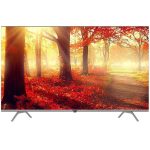
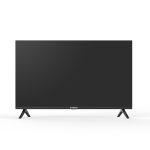
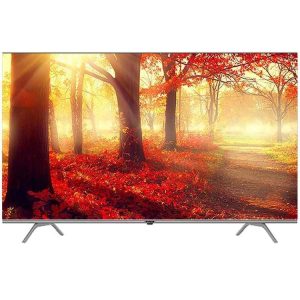
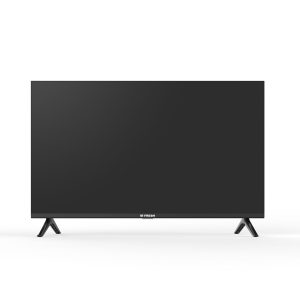
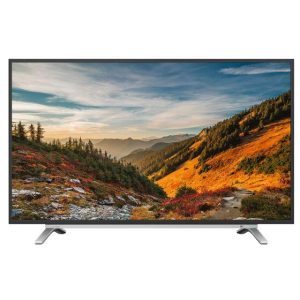
Fresh TV Screen LED 32 Inch HD
The Fresh TV Screen LED 32 Inch HD is a television that offers a compact yet high-
quality viewing experience. Here’s a breakdown of its features and some tips for getting the most out of it:
Key Features:
Screen Size: 32 inches diagonally, which is a versatile size for smaller rooms, bedrooms, or as a secondary TV.
Resolution: HD (High Definition) with a resolution of 1366 x 768 pixels. This provides clear and sharp images, though it’s lower resolution compared to Full HD or 4K models.
LED Technology: Uses LED backlighting, which offers better energy efficiency and brightness compared to traditional LCD screens.
Connectivity: Likely includes multiple HDMI ports for connecting devices like gaming consoles, Blu-ray players, or streaming devices, and may also have USB ports for media playback.
Audio: Built-in speakers provide basic sound, though you might want external speakers or a soundbar for enhanced audio quality.
Usage Tips:
Optimal Placement: Position the TV at eye level and at a comfortable viewing distance. For a 32-inch TV, sitting about 4 to 6 feet away is ideal.
Connection Setup: Use HDMI cables to connect devices for the best picture and sound quality. Make sure to select the correct input source using the TV’s remote control.
Picture Settings
: Adjust brightness, contrast, and color settings to suit your viewing environment. Many TVs also have preset modes for movies, sports, and other types of content.
Sound Settings: Check audio settings and consider using external speakers or a soundbar if the built-in speakers don’t meet your needs.
Maintenance: Clean the screen with a soft, dry cloth to avoid scratches. Avoid using harsh chemicals or abrasive materials.









Reviews
There are no reviews yet.